
The Respawn Rookie tutorial kit
Your channel.
Your first respawn.
Make a gaming channel identity with Free Creator Kit. Grab the artwork and editable bases, then follow the tutorial at your own pace.
Download the free starter pack ↓ZIP · about 17 MB · version 1 · no account needed
Already downloaded it? Open the editor →
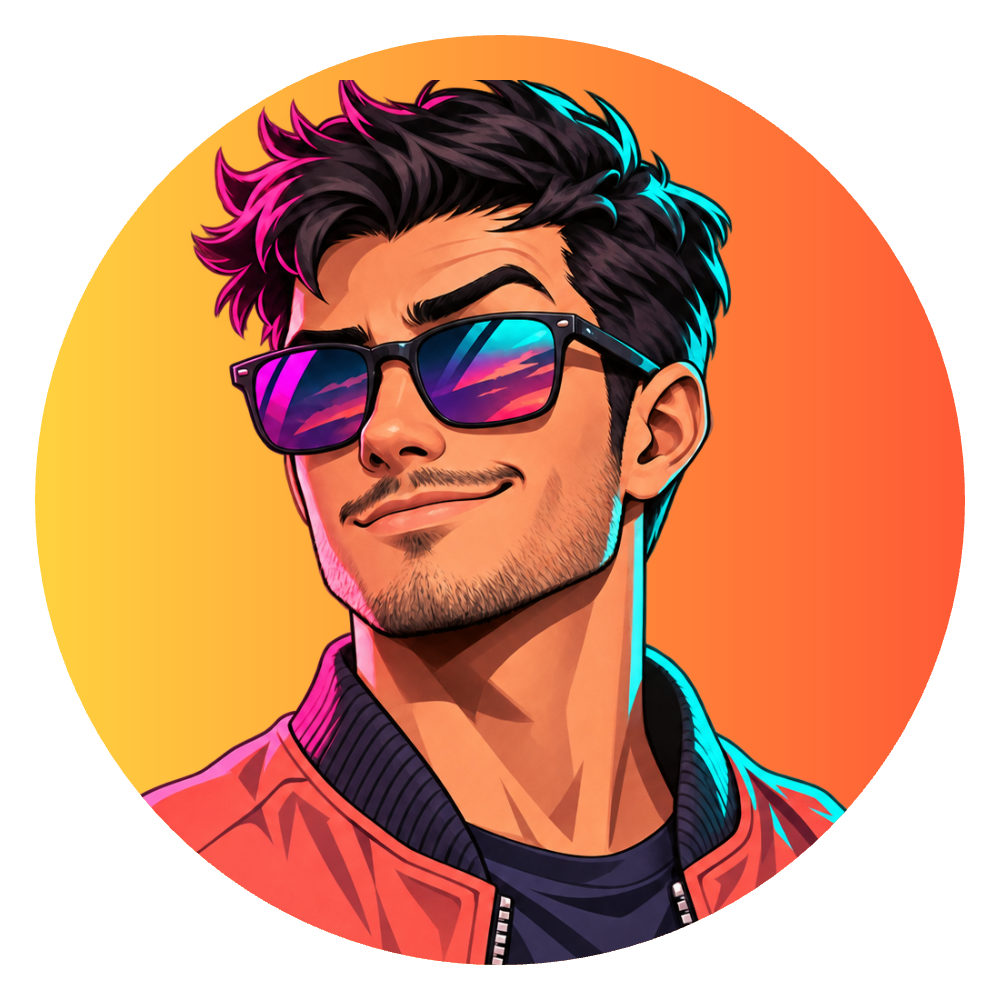
The tutorial’s original fictional avatar
Everything in your starter pack
Your starting artwork
The original fictional avatar, 1000px profile logo and transparent 150px watermark from the tutorial.
Designs you can edit
One .fck project with logo, banner, thumbnail and watermark canvases. Text and shapes are editable; the portrait is a PNG layer. The portable copy uses system typography.
Clean banner & thumbnail bases
PNG examples from before the game artwork was added. A useful starting point for your own channel.
Prompts, copy & tool links
The reusable photo-to-avatar prompt, example channel copy, tool links and a step-by-step guide.
Download. Open. Make it yours.
- Unzip the folder.
Use your device’s Files app or built-in ZIP support. Start with START-HERE.txt.
- Open the .fck project.
Save any current work first. In the editor, choose Open and select the file in 03-editable. Switch between the four canvas formats.
- Edit, save and export.
Change the channel text, check the banner’s safe area, save your own .fck copy and export each design as PNG.
Tools used in the tutorial
Free Creator Kit handles the artwork and project files. ChatGPT was used to generate the fictional portrait. You can follow the artwork steps using the supplied portrait without an AI account.
The ZIP also explains the optional video-production tools, including ElevenLabs narration. No installers, voice models, font files or paid credits are bundled. External services have their own terms and pricing. Uploading a personal photo to an AI service shares it with that provider.
Can I use this on my phone?
Yes: extract the ZIP in your Files app, open Free Creator Kit in your browser and select the extracted .fck file with Open. A larger screen makes detailed layout work easier.
Why does the logo have a prepared crop?
The starter includes a prepared circular portrait mask. Replacing that image can remove its mask. Keep the supplied portrait to follow the exact example, or check the exported crop carefully when using your own.
Do I need to accept analytics cookies?
No. The download works with either cookie choice. With analytics accepted, we count a download-link click and the recognised tutorial campaign. A click does not confirm a completed download. See our privacy policy.
Provided to follow this tutorial. No broader artwork licence or rights to third-party material are granted here. Check the included rights notes before reusing material elsewhere. Updated 5 November 2026.